
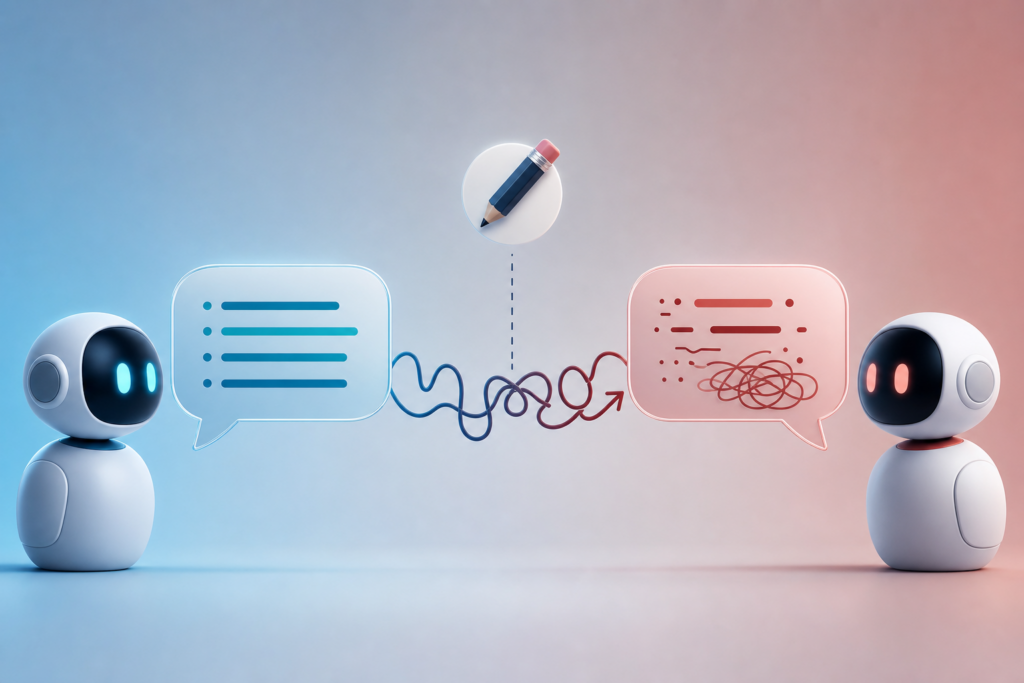
You’re deep in a conversation with ChatGPT or Claude. You realize you made a typo three messages back, so you hit edit, fix it, and regenerate the response. But instead of improving things, the AI suddenly seems… worse. Less focused. Less helpful. Sometimes it even ignores context it understood perfectly a moment ago.
This isn’t in your head. Editing prompts mid-conversation can genuinely degrade the quality of AI responses, and understanding why will save you a lot of frustration.
What Happens When You Edit a Message
When you edit a message in ChatGPT, Claude, or Gemini, the model doesn’t just change that one response. It regenerates the entire conversation from that point forward.
Here’s the key: AI models are stateless. They don’t actually remember your conversation. Every time you send a message, the system sends the model the full conversation history as context. When you edit message #3 in a 10-message thread, the model re-reads messages 1, 2, your edited #3, and then generates a new response—but messages 4 through 10 are now erased from its context.
The model is essentially starting fresh from your edit point. Any nuance, clarification, or course-correction that happened in the later messages? Gone.
Why the New Response Is Often Worse
There are three reasons editing usually backfires:
- Loss of conversational momentum: AI models build understanding through the back-and-forth. If you spent five messages narrowing down exactly what you wanted, editing an early message wipes that refinement.
- Context collapse: The edited message might be technically clearer, but it removes the conversational scaffolding the model was using to understand what you actually meant.
- Randomness in generation: Even with the same input, AI models introduce slight randomness (controlled by the temperature setting). Regenerating a response doesn’t guarantee you’ll get something as good as the original—sometimes you just roll the dice and lose.
A common example: you ask Claude to write a blog post, then refine the tone over a few messages until it’s perfect. You notice a typo in your original request, edit it, and regenerate. The new version ignores all your tone guidance and feels generic. That’s because the model never saw the refinement messages—you effectively reset the conversation.
What to Do Instead
If you catch a mistake or want to adjust your request, don’t edit—send a new message. Write something like:
- “Actually, I meant X instead of Y. Can you revise your last response?”
- “Ignore that typo in my earlier message—what I meant was…”
- “Let’s adjust: [clarification]. Please update your answer.”
This keeps the full conversation history intact. The model sees your correction and everything that came before and after it. You’re adding context, not erasing it.
There’s one exception: if you’re at the very start of a conversation (first or second message) and you spot a mistake, editing is usually fine. You haven’t built up enough context to lose yet.
When Editing Does Make Sense
Sometimes editing is still the right move:
- Privacy or security: If you accidentally pasted sensitive information (a password, personal data, proprietary code), edit it out immediately. The context loss is worth protecting your information.
- Starting over intentionally: If the conversation has gone completely off track and you want to reset from a specific point, editing can be a useful “undo” button.
- Testing prompt variations: If you’re experimenting with different phrasings to see which works best, editing and regenerating is a valid approach—just know you’re A/B testing, not refining a single conversation thread.
The bottom line: treat your conversation with an AI model like a transcript, not a draft. Once it’s said, it’s part of the record. If you want to change direction, do it by adding to the conversation, not rewriting history.
Want one useful AI idea like this in your inbox every day? Subscribe to the One Two Three AI newsletter and never miss a practical tip.