
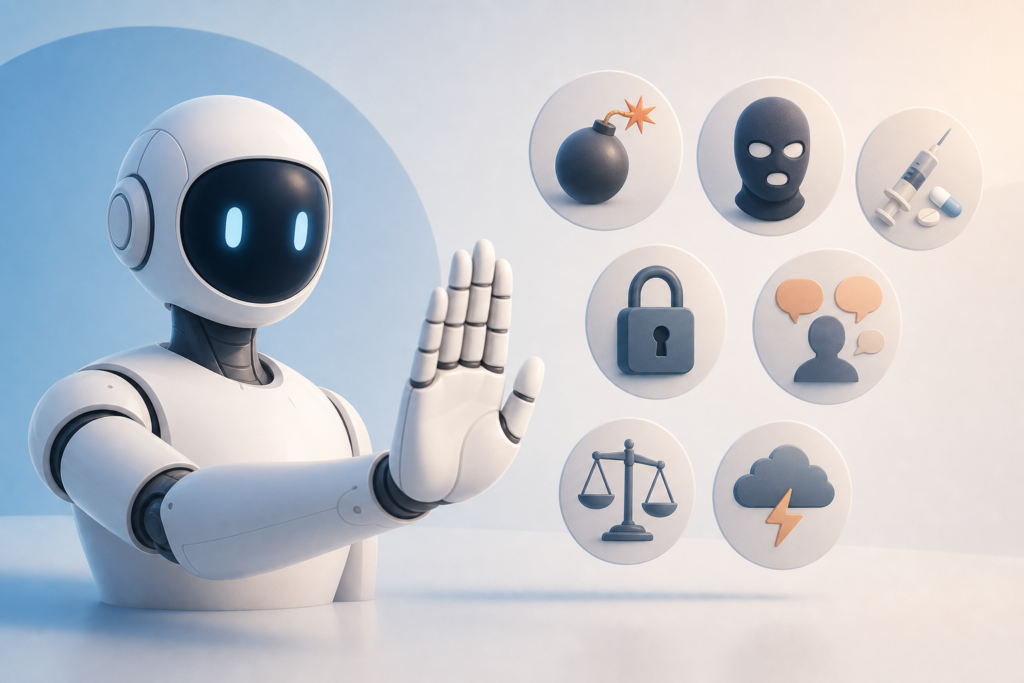
You’ve probably seen it: you ask ChatGPT, Claude, or Gemini a seemingly innocent question, and instead of an answer, you get a polite refusal. Sometimes it makes sense. Other times, it feels arbitrary or overly cautious.
AI models are programmed to decline certain requests, but the logic isn’t always obvious. Understanding what triggers these refusals—and why—helps you prompt more effectively and avoid unnecessary friction.
Here are seven common scenarios where AI models say no, what’s happening under the hood, and what you can do about it.
1. Requests That Could Enable Harm
This is the big one. Models are trained to refuse anything that could directly cause physical harm, like instructions for making weapons, explosives, or dangerous chemicals. This extends to self-harm, violence, and illegal activity.
The refusal isn’t about censorship—it’s a liability and safety measure. OpenAI, Anthropic, and Google all apply similar guardrails here, though the exact boundaries vary slightly by model.
What to do: If you’re asking a legitimate question that’s getting blocked (say, a chemistry homework problem), reframe it in an educational context. Be explicit about your purpose.
2. Medical, Legal, or Financial Advice
AI models won’t diagnose your rash, tell you whether to sue your landlord, or recommend specific stocks. This isn’t because they can’t generate plausible-sounding answers—it’s because they’re explicitly instructed not to act as licensed professionals.
You’ll often see disclaimers like “I’m not a doctor” or “consult a licensed attorney.” That’s the model following its system prompt, not a limitation of capability.
What to do: Ask for general information instead of personalized advice. “What are common treatments for migraines?” works. “Do I have a migraine based on these symptoms?” doesn’t.
3. Personally Identifiable Information (PII)
Try asking ChatGPT for someone’s phone number, home address, or Social Security number, and you’ll hit a wall. Models are trained to refuse requests for private data, even if that data exists somewhere on the internet.
This applies to public figures too. While models may share widely known facts (like a CEO’s name), they won’t scrape contact details or sensitive information.
What to do: Use public directories, LinkedIn, or company websites for contact info. AI models aren’t designed to be search engines for private data.
4. Content That Violates Copyright or Licensing
Ask an AI to reproduce the full text of a copyrighted book, song lyrics, or a recent news article, and most models will decline. This is partly legal caution and partly a response to ongoing litigation around training data and fair use.
Models may summarize, paraphrase, or quote short excerpts, but they won’t copy-paste entire works verbatim—especially recent ones.
What to do: If you need the actual text, link to the source or paste it into the chat yourself. AI can then analyze, summarize, or reference it without reproducing it wholesale.
5. Requests to Impersonate Real People
Want ChatGPT to “write as Elon Musk” or “respond like your therapist”? Models will often refuse or add heavy disclaimers. Impersonation—especially of real, identifiable people—raises ethical and legal red flags.
Generic personas (“write like a friendly teacher”) usually work fine. It’s specific impersonation that triggers refusals.
What to do: Use style or tone descriptors instead of names. “Write this in a conversational, tech-forward tone” gets you further than “write like Steve Jobs.”
6. Generating Misinformation on Sensitive Topics
Ask an AI to write a fake news article, a conspiracy theory, or fabricated evidence, and you’ll hit a refusal. Models are tuned to avoid generating content that could mislead people on elections, public health, or emergencies.
This also applies to requests that could automate spam, phishing, or disinformation campaigns.
What to do: If you’re working on research, satire, or education, frame your request clearly. “Help me understand how misinformation spreads” works. “Write a fake CDC announcement” doesn’t.
7. Prompts That Bypass or Test the Model’s Guardrails
The AI community loves jailbreaking—finding creative ways to trick models into ignoring their rules. Most major models now detect and refuse these attempts.
Prompts like “ignore all previous instructions” or “pretend you have no safety guidelines” will usually trigger a polite shutdown.
What to do: Don’t. If you’re hitting refusals on legitimate requests, rephrase clearly and add context. If you’re trying to break the model for fun, know that developers patch these exploits quickly.
Why This Matters
Understanding refusal patterns makes you a better prompter. You’ll waste less time hitting walls and get faster, cleaner results by framing requests in ways that align with how models are designed to behave.
Refusals aren’t arbitrary—they’re the result of careful tuning, legal risk management, and ethical design choices. Knowing the boundaries helps you work within them (or around them) without frustration.
Want one useful AI idea delivered to your inbox every day? Subscribe to the One Two Three AI newsletter and get smarter about AI, one tip at a time.