
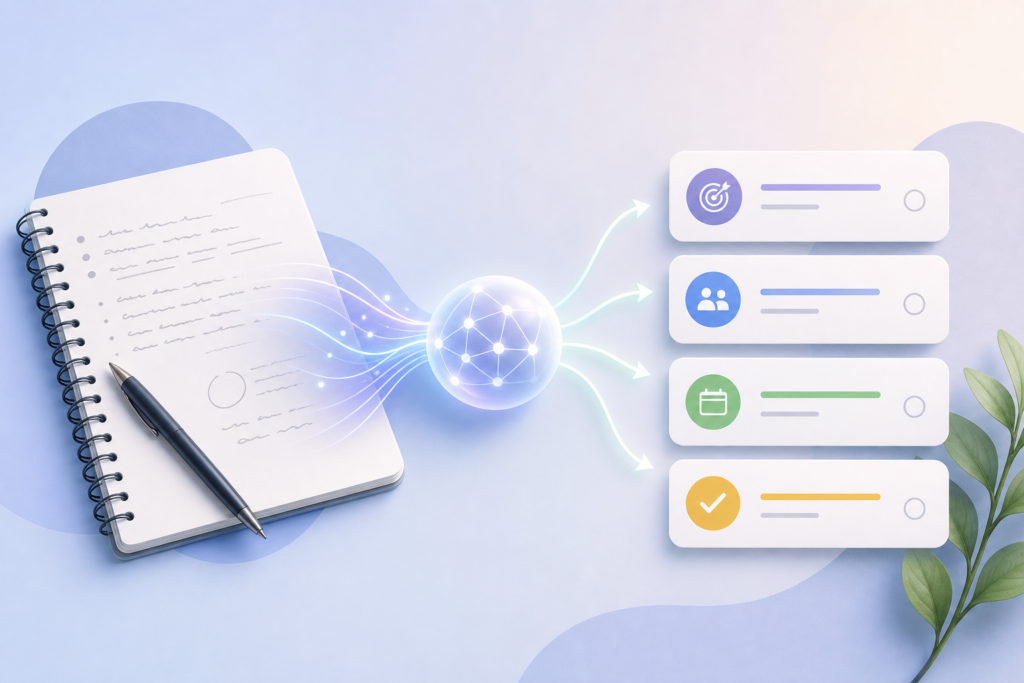
If you’ve ever sat through a meeting and then spent another 20 minutes figuring out who’s doing what by when, you know the pain. Meeting notes are messy—scattered action items, vague commitments, and unclear ownership. AI can fix this in seconds.
Tools like ChatGPT, Claude, and Google Gemini can take your raw meeting transcript or notes and instantly organize them into clear action items, deadlines, and assignees. Here’s exactly how to do it.
Getting Your Meeting Notes Ready
First, you need your meeting content in text form. You have a few options:
- Use a transcription tool: Otter.ai, Fireflies.ai, or Microsoft Teams and Google Meet’s built-in transcription can capture everything said in real time.
- Record and upload: Record your meeting audio on your phone, then upload it to ChatGPT (with Advanced Voice or file upload) or use a transcription service.
- Manual notes: If you took notes yourself, just copy and paste them—AI works fine with rough bullet points.
Once you have your text, you’re ready to process it.
The Basic AI Prompt for Action Items
Open ChatGPT, Claude, or Gemini and paste your meeting notes. Then use this prompt:
“Review these meeting notes and create a structured list of action items. For each item, include: the task, who is responsible, and the deadline if mentioned. Also note any decisions made and topics that need follow-up.”
Within seconds, the AI will return a clean, organized breakdown. You’ll get something like:
- Action Item: Draft Q3 marketing plan | Owner: Sarah | Due: July 15
- Action Item: Schedule client demo | Owner: Mike | Due: This week
- Decision: Moving forward with vendor B for the website redesign
- Follow-up: Need budget approval from finance before proceeding
This structure makes it immediately clear what needs to happen next, and who’s on the hook for it.
Advanced Tips: Templates and Automation
Once you’ve done this a few times, you can level up your workflow:
Save a custom instruction or project. If you use ChatGPT Plus, add a custom instruction like: “When I paste meeting notes, always extract action items with owner and deadline.” In Claude, create a Project with this instruction saved, so every conversation in that project automatically formats notes the same way.
Generate follow-up emails automatically. After extracting action items, ask the AI: “Now write a follow-up email summarizing the action items for the team.” You’ll get a polished, ready-to-send message in seconds.
Export to your task manager. Copy the action items and paste them directly into Asana, Trello, Notion, or Todoist. Or ask the AI to format them as a CSV or Markdown checklist you can import.
Use voice mode for live processing. If you’re using ChatGPT’s voice mode or Claude on mobile, you can verbally summarize the meeting right after it ends and get action items back instantly—no typing required.
Which AI Tool Works Best?
All three major tools handle this task well, but there are slight differences:
ChatGPT: Great for quick, conversational processing. The free tier works fine, but Plus users get longer input limits and can upload audio files directly.
Claude: Excellent at handling very long meeting transcripts (up to 200,000 tokens). If your meetings run long or you have multiple transcripts to process at once, Claude is your best bet. The Projects feature is perfect for saving your formatting preferences.
Gemini: Works well and integrates natively with Google Workspace. If your notes are in Google Docs or you use Google Meet, Gemini can pull directly from those sources.
Try all three with the same set of notes and see which output style you prefer. They’re all free to start.
Make It a Habit
The key to making this work is consistency. After every meeting, spend 60 seconds pasting your notes into AI and generating action items. You’ll save time, reduce confusion, and never lose track of who’s responsible for what again.
You can even delegate this: ask an assistant or junior team member to run every meeting transcript through this process and distribute the output. It’s fast, repeatable, and eliminates the usual post-meeting chaos.
Want one useful AI tip like this delivered to your inbox every day? Subscribe to the One Two Three AI newsletter and get smarter about AI, one idea at a time.