If you’re a ChatGPT Plus or Team subscriber, you’ve likely noticed two features that promise to help you organize and customize your AI work: Projects and Custom GPTs. Both let you add instructions, upload files, and create specialized workflows—but they work in fundamentally different ways.
Understanding which to use (and when) can save you setup time, reduce repetitive prompting, and make your AI workflows actually work the way you need them to.
What Projects Are For
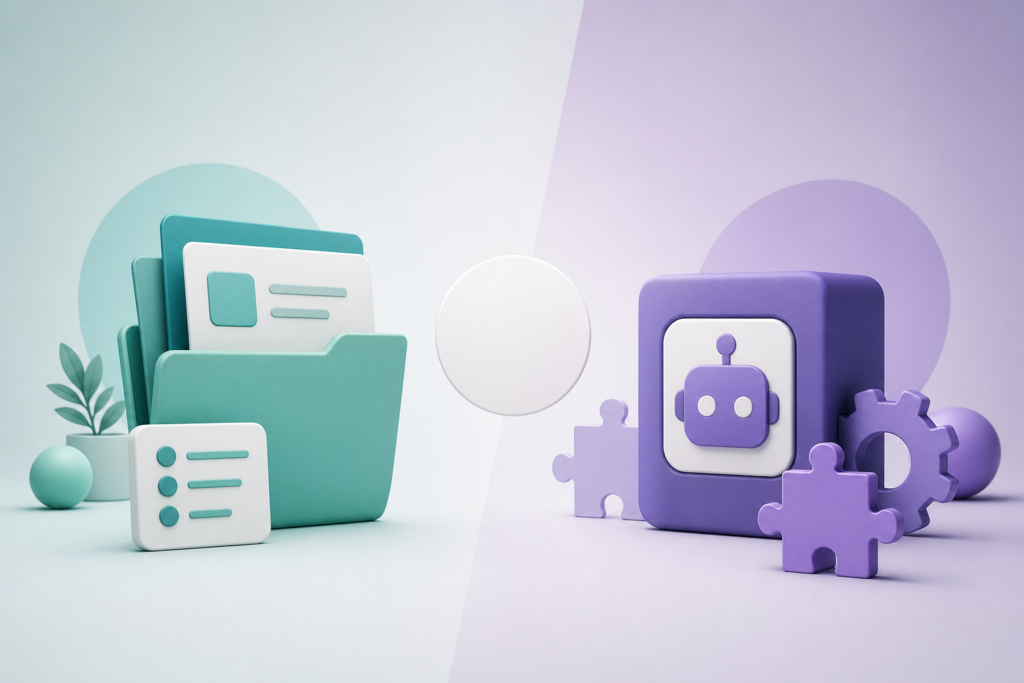
Projects, introduced in early 2026, are essentially workspaces inside ChatGPT. Think of them as folders that hold related chats, files, and instructions. When you create a Project, you can:
- Upload files that stay accessible across all chats in that Project
- Set custom instructions that apply to every conversation you start within it
- Keep all related work in one organized place
Projects are private by default. You can’t share them with others unless you’re on a Team or Enterprise plan, and even then, sharing is limited to your workspace.
They’re ideal for ongoing work that requires context over time: a research project with multiple source documents, a marketing campaign with brand guidelines, or a coding project with specific libraries and style preferences.
What Custom GPTs Are For
Custom GPTs are standalone chatbots you build on top of ChatGPT. Each one has its own name, instructions, capabilities (like web browsing, image generation, or code execution), and knowledge files. Once published, they live in the GPT Store or as private links you can share.
Unlike Projects, Custom GPTs are designed for repeatability and distribution. You create one configuration, and anyone with access can use it without needing to know your prompts or upload your files. Each conversation with a Custom GPT starts fresh—it doesn’t carry over history from previous chats unless you explicitly reference them.
Custom GPTs shine when you need a reusable tool: a writing assistant with a specific tone, a data analyzer with preset formatting, or a tutoring bot for a particular subject. They’re also the only way to share your AI setup with people outside your immediate team.
The Key Differences
Here’s where the two diverge in practice:
Memory and context: Projects keep all your chats and files together in one workspace. Custom GPTs treat each conversation as independent unless you upload new files or reference past chats manually.
Sharing: Custom GPTs can be published or shared via link with anyone. Projects stay within your account (or team workspace if you’re on a paid plan).
Setup complexity: Projects are simpler—just add instructions and files, then start chatting. Custom GPTs require more upfront configuration: naming, description, capabilities, conversation starters, and knowledge base setup.
Use case: Projects work best for personal or team workflows where you need ongoing context. Custom GPTs work best when you want a specialized tool you (or others) can use repeatedly without setup.
When to Pick Which
Choose a Project if you’re working on something over multiple sessions and need ChatGPT to remember your files, preferences, and context. Examples: planning a product launch, analyzing a dataset with multiple related files, or drafting a series of blog posts with consistent brand voice.
Choose a Custom GPT if you need a reusable assistant for a specific task that you (or others) will use repeatedly. Examples: a resume reviewer, a SQL query generator for your team’s database schema, or a customer support bot with your product documentation baked in.
You can also use both together: create a Project for your ongoing work, and build a Custom GPT to share a polished version of your workflow with teammates or clients.
Want one practical AI idea delivered to your inbox every day? Subscribe to the One Two Three AI newsletter and stay ahead without the overwhelm.