
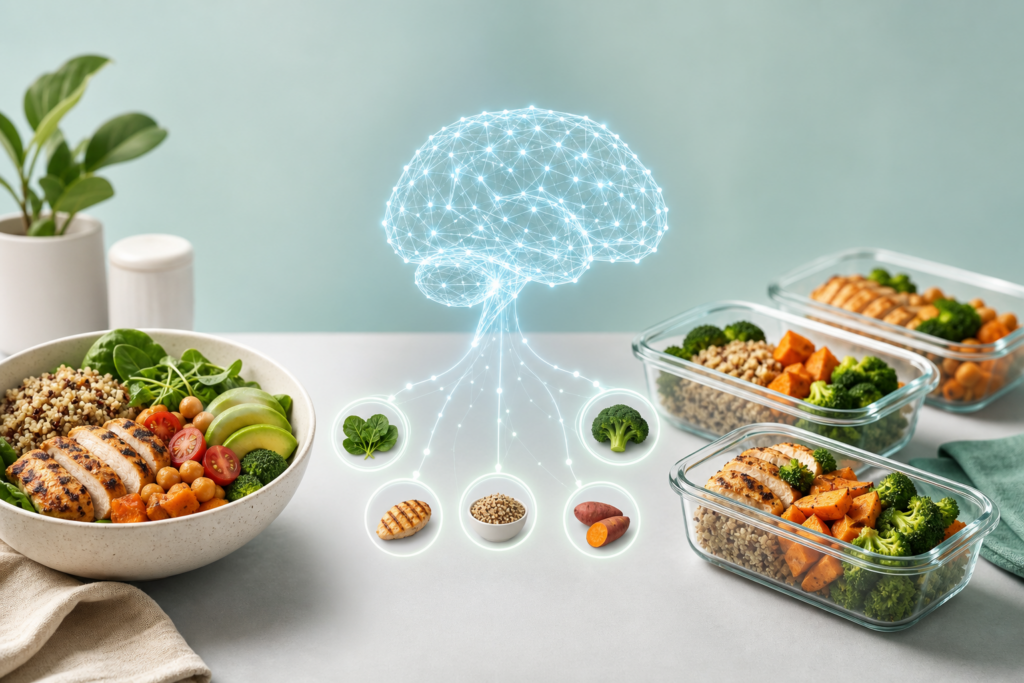
Planning meals for the week can eat up hours of your time. You need to find recipes, check what’s in your fridge, match them to your dietary preferences, and create a shopping list. AI can do all of this in minutes.
Whether you’re managing dietary restrictions, cooking on a budget, or just tired of eating the same five meals, tools like ChatGPT, Claude, and Gemini can generate custom meal plans tailored to your exact needs. Here’s how to do it.
Start with a Clear Prompt
The more specific you are, the better your meal plan will be. Instead of asking “give me a meal plan,” tell the AI exactly what you need.
Here’s a template that works well:
“Create a 5-day dinner meal plan for two people. Budget: $60. Dietary preferences: vegetarian, no mushrooms. Cooking time: 30 minutes or less per meal. Include a shopping list organized by grocery store section.”
You can adjust any part of this: add allergies, specify cuisines you like, request high-protein meals, or ask for recipes that use ingredients you already have. The AI will adapt.
Refine Your Plan
Once you get your initial meal plan, you can improve it with follow-up prompts. This is where AI really shines—it remembers the context of your conversation.
- Swap meals: “Replace Tuesday’s recipe with something that uses chicken instead.”
- Adjust difficulty: “Make Wednesday’s meal easier—I’ll be short on time.”
- Use leftovers: “Can any of these recipes make extra portions for lunch the next day?”
- Check your pantry: “I already have rice, canned tomatoes, and olive oil. Update the shopping list.”
ChatGPT, Claude, and Gemini all handle these refinements well. If you use ChatGPT Plus or Claude Pro, the conversation memory will help the AI learn your preferences over time.
Get Recipe Details and Substitutions
Ask the AI to expand any recipe in your plan. You’ll get step-by-step instructions, ingredient measurements, and cooking times.
Try: “Give me the full recipe for Thursday’s pasta dish with step-by-step instructions.”
If you’re missing an ingredient or don’t like one, ask for substitutions:
- “What can I use instead of Greek yogurt in this recipe?”
- “I don’t have cumin—what’s a good substitute?”
- “Can I make this recipe vegan?”
The AI will suggest alternatives that work with the recipe’s flavor profile and cooking method.
Export Your Shopping List
Most AI tools can format your shopping list in ways that make grocery shopping easier.
Ask the AI to organize your list by store section (produce, dairy, pantry) or by store layout if you shop at the same place every week. You can also request the list in a format you can copy into your notes app or a grocery app like AnyList.
For extra convenience, try: “Format this shopping list as a checklist I can copy into my phone.”
If you use ChatGPT, you can even ask it to estimate the total cost based on average grocery prices in your area, though prices vary by location and store.
Save Your Best Prompts
Once you find a prompt formula that works, save it. You can reuse it every week and just change a few details.
If you use ChatGPT, consider setting up a custom instruction that includes your dietary preferences, household size, and cooking skill level. That way, every meal plan you request will automatically match your needs without repeating the same information.
Claude’s Projects feature is also great for this—create a project called “Meal Planning” and add a note with your preferences and restrictions. Every conversation in that project will reference those details.
Beyond Weekly Meal Plans
You can use the same approach for specific situations:
- Batch cooking: “Give me 3 recipes I can batch cook on Sunday for the week.”
- Special diets: “Create a 7-day keto meal plan with macros for each meal.”
- Using up ingredients: “I have chicken thighs, bell peppers, and quinoa. What can I make for dinner tonight?”
- Entertaining: “Plan a 3-course dinner for 6 people. Budget: $80. One guest is gluten-free.”
AI meal planning isn’t about replacing your creativity in the kitchen—it’s about removing the friction that keeps you from cooking at home. You still choose what sounds good, make adjustments, and do the actual cooking. The AI just handles the tedious planning part.
Want one useful AI idea in your inbox every day? Subscribe to the One Two Three AI newsletter and learn practical ways to use AI in your everyday life.