
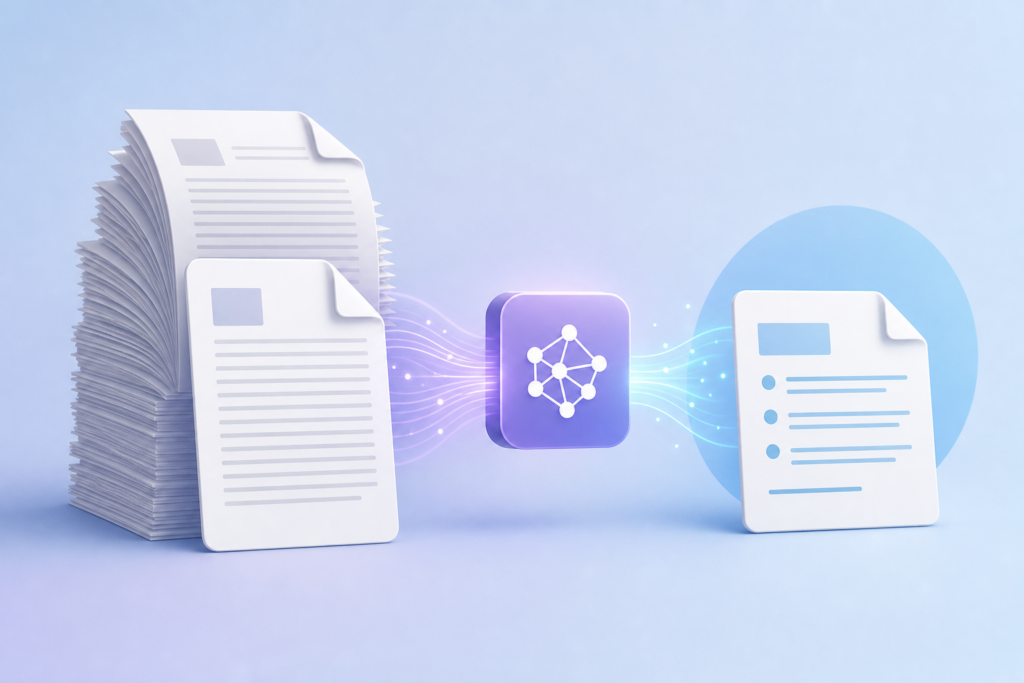
If you’re drowning in long PDFs—research papers, contracts, reports, manuals—AI can help you extract the most important information in minutes instead of hours. Here’s how to use the major AI tools to summarize documents quickly and accurately.
Which AI Tools Can Read PDFs?
Three major AI assistants now handle PDF uploads directly:
- ChatGPT Plus and Team (GPT-4 and GPT-4o): Upload PDFs up to 512 MB through the attachment button. Works in the main chat interface.
- Claude Pro and Team (Claude 3.5 Sonnet): Handles PDFs up to 10 MB per file, up to 5 files at once. Particularly good at maintaining context across long documents.
- Google Gemini Advanced (Gemini 1.5 Pro): Accepts PDFs through Google Drive integration. Has the largest context window, making it ideal for very long documents.
All three are paid services (roughly $20/month), but they’re significantly more powerful than free versions for document analysis.
Step-by-Step: How to Summarize a PDF with AI
The process is similar across all three platforms. Here’s the basic workflow:
- Step 1: Open your AI tool and start a new chat.
- Step 2: Click the attachment or upload button (paperclip icon in ChatGPT, paperclip in Claude, or connect Google Drive in Gemini).
- Step 3: Upload your PDF file. Wait for confirmation that it’s been processed.
- Step 4: Ask a specific question or request a summary.
The key is in step 4. Don’t just say “summarize this.” Be specific about what you need.
Prompts That Get Better Summaries
Generic prompts get generic results. Try these specific approaches instead:
For executive summaries: “Provide a 3-paragraph executive summary covering the main findings, key recommendations, and critical deadlines in this report.”
For research papers: “Summarize this paper’s methodology, main findings, and limitations. What are the practical applications?”
For contracts or legal documents: “List all obligations, deadlines, and payment terms in bullet points. Flag any unusual clauses.”
For technical manuals: “Create a quick-start guide with the 5 most important procedures from this manual.”
For meeting you’re preparing for: “I’m meeting with the author tomorrow. What are 5 intelligent questions I should ask based on this document?”
You can also ask follow-up questions: “What does section 4 say about pricing?” or “Find all mentions of delivery dates.”
Tips for Better Results
Check for accuracy: AI can misread or hallucinate details, especially with scanned PDFs or documents with complex formatting. Always verify critical information like dates, numbers, and names against the original.
Use Claude for very long documents: Claude 3.5 Sonnet excels at maintaining context across lengthy files and is less likely to miss important details buried deep in a document.
Try Gemini for multiple related documents: Gemini’s massive context window makes it excellent for analyzing several related PDFs together—like comparing quarterly reports or reviewing a series of meeting minutes.
Break up image-heavy PDFs: Documents with lots of charts, graphs, or scanned pages may not process well. If results seem off, try asking the AI to focus on specific page ranges.
Save useful prompts: Once you find prompts that work well for your specific document types, save them as templates. You can reuse “summarize this contract” or “extract action items from this meeting transcript” prompts repeatedly.
Watch your file limits: If you hit size limits, try compressing your PDF using free tools like Adobe’s online compressor or Smallpdf before uploading.
This technique works for more than just summaries. You can extract data into tables, translate documents, compare multiple versions, or create study guides from textbooks. The key is being specific about what you need and always double-checking important details.
Want more practical AI tips like this delivered daily? Subscribe to the One Two Three AI newsletter and get one useful AI idea in your inbox every day.