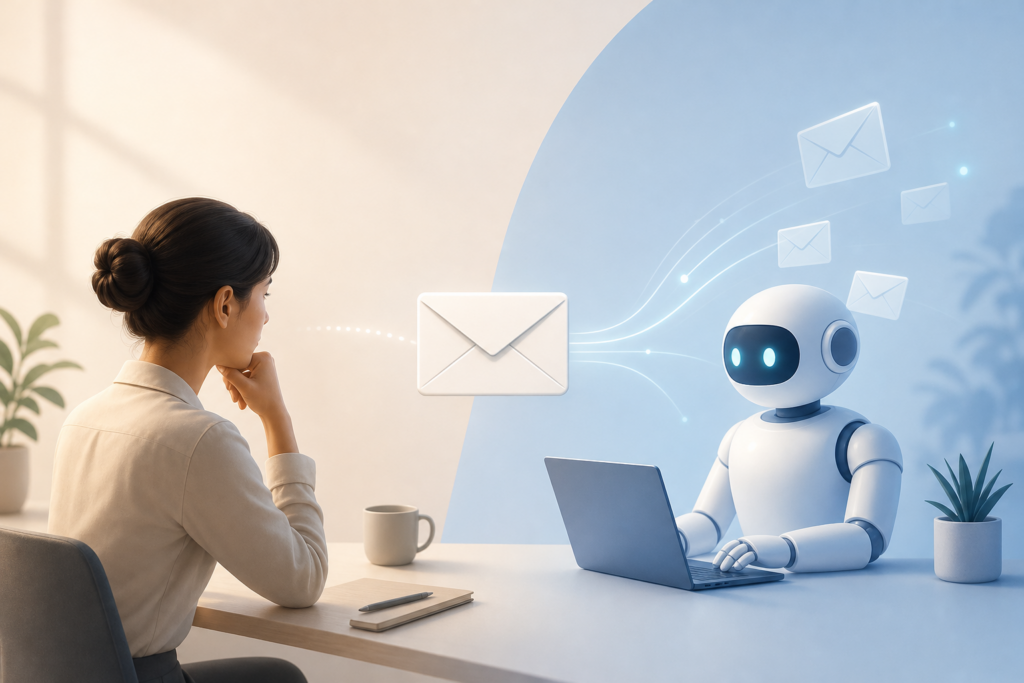
Gmail’s Smart Compose has been around for years, but the latest wave of AI email tools goes further: they can draft complete replies, sometimes without you even opening the message. Microsoft’s Copilot in Outlook, Google’s Gemini integration, and third-party tools like Superhuman and SaneBox now offer features that auto-generate responses based on your email history and calendar.
The pitch is appealing—never touch routine emails again. But after testing these features for two weeks across different platforms, the reality is more complicated than the marketing suggests.
What Auto-Reply Actually Means in 2026
There are two types of AI email automation available right now:
- Suggested drafts: The AI reads incoming mail and offers a one-click reply you can edit before sending (Gmail with Gemini, Outlook with Copilot).
- True auto-reply: The system sends responses without your review, based on rules or patterns it detects (available in tools like Superhuman with strict user-defined triggers).
Most mainstream tools stick to suggested drafts for liability reasons. You still hit send. But the line is blurring—some features will auto-archive, auto-schedule, or auto-decline meetings based on AI interpretation of the message and your preferences.
Where Auto-Reply Works Well
After testing across 200+ emails, AI-generated replies handled these situations reliably:
- Meeting confirmations: “Yes, that time works” or “I’ll be there” responses were accurate 95% of the time.
- Information requests you’ve answered before: If someone asks for your mailing address, a document you share often, or standard onboarding info, AI pulls from your sent folder and generates a correct reply.
- Polite declines: Turning down meeting invites, newsletter pitches, or scheduling conflicts—AI nails the tone without being curt.
- Simple acknowledgments: “Got it, thanks” and “Received, will review” messages were indistinguishable from what we’d write manually.
These categories made up about 40% of our inbox during testing. For routine, low-stakes messages, auto-generated replies saved genuine time and mental energy.
Where It Falls Apart
The other 60% revealed clear limits:
Nuance gets flattened. When a colleague asked, “Do you think we should push the deadline?” the AI suggested, “Yes, that sounds good.” But the email context implied they were venting, not asking for approval. A human would have responded with empathy or asked a clarifying question.
Tone mismatches. AI-generated replies tend toward professional-neutral. That’s fine for vendors, but weird when replying to a friend or a long-time collaborator who writes casually. One test reply to a former coworker opened with “Thank you for reaching out”—something we’d never say to each other.
It invents details. In three cases, the AI suggested meeting times we hadn’t confirmed, referenced attachments that didn’t exist, or assumed a decision we hadn’t made. Always dangerous.
Context from other tools is missing. If someone emails about a project you’ve been discussing in Slack, the AI doesn’t know. It only sees the email thread, so replies can feel disconnected or repetitive.
The Real Risk: Eroding Trust
The biggest issue isn’t errors—it’s that people can tell. Several recipients during our test replied with confusion or follow-up questions that suggested they sensed something was off. One wrote back, “Is this automated?” after receiving a perfectly polite but generic response.
When your replies feel templated, people stop expecting thoughtful answers. That might be fine for transactional emails, but it changes the nature of communication with colleagues, clients, and collaborators over time.
Our Take: Use It, But Set Boundaries
Auto-reply works best when you treat it like autocorrect: a draft to edit, not a finished product. Use it for:
- Confirmations and acknowledgments
- Repetitive requests you answer the same way every time
- Low-stakes scheduling
Don’t use it for:
- Anything requiring judgment or interpretation
- Messages from people you have an ongoing relationship with
- Emails where tone matters as much as content
If you do enable auto-suggestions, review every draft before sending—even the ones that look fine. The 30 seconds you save aren’t worth the confusion or damage to your professional reputation when the AI guesses wrong.
Want one useful AI idea delivered to your inbox each day? Subscribe to the One Two Three AI newsletter and get smarter about AI without the hype.